
AI virtual staging for vacant real estate photos.
Fast, architecture-preserving AI staging for real-estate professionals.
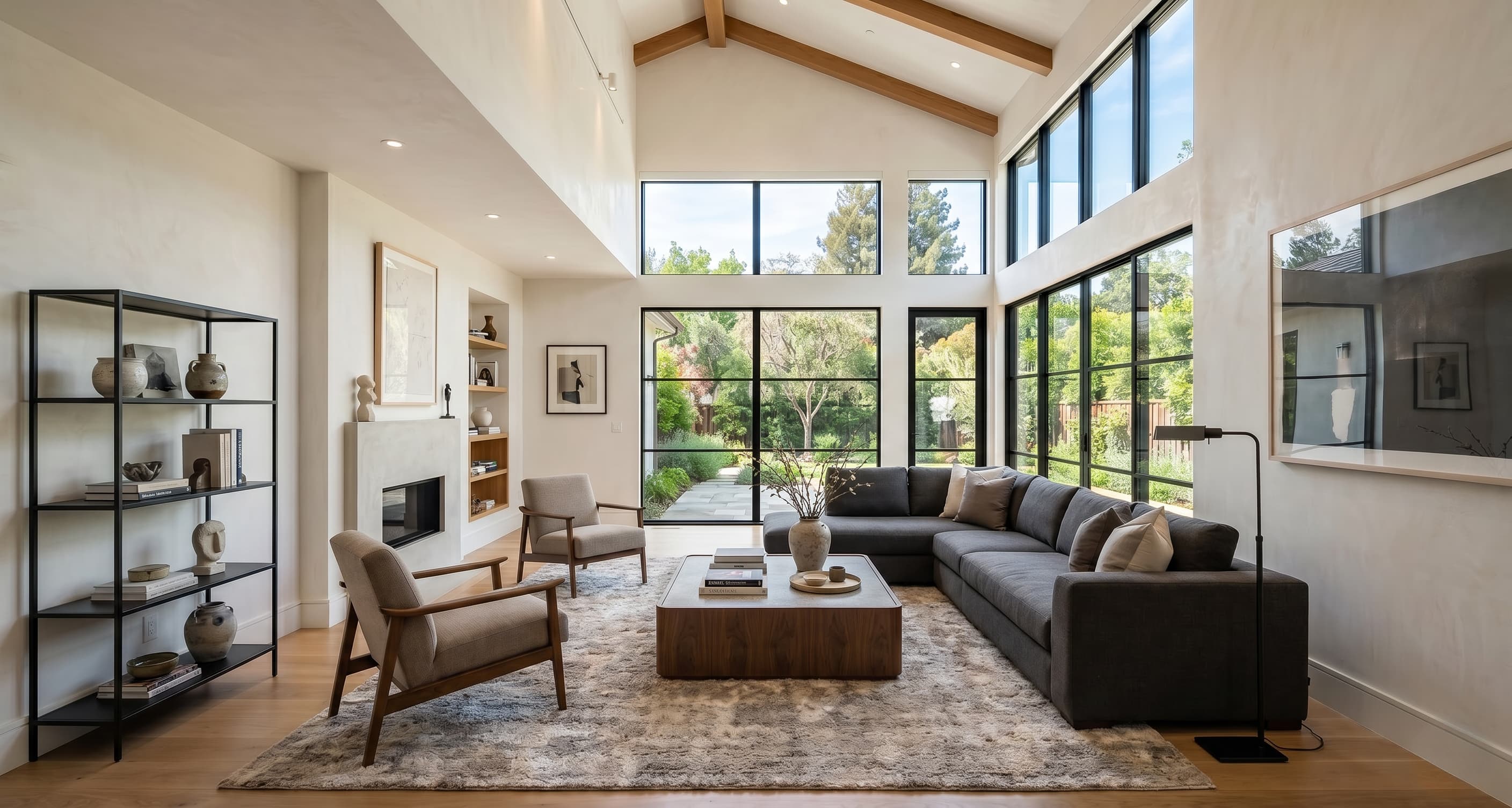
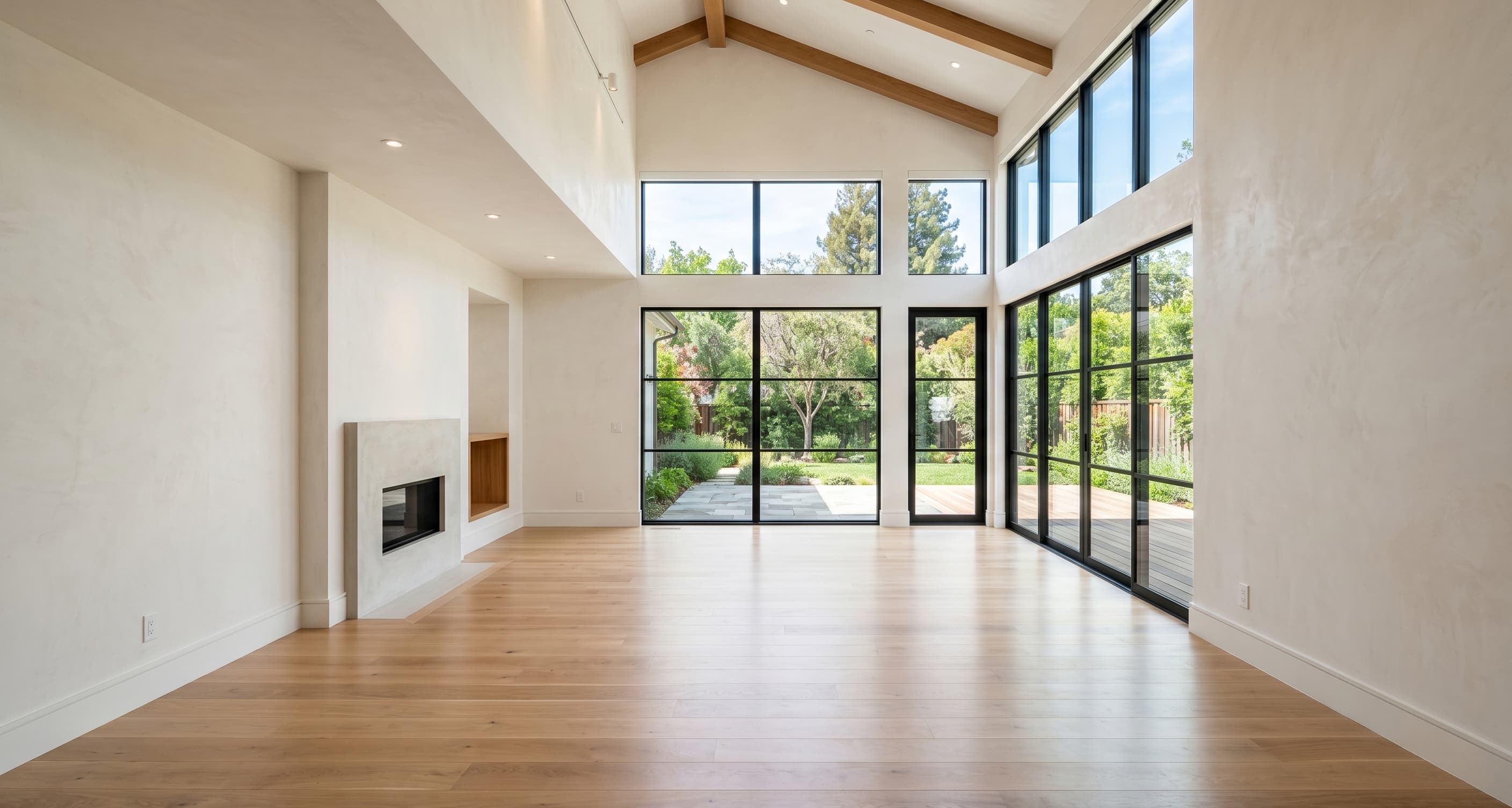
Listing benefits
Staged listing photos help buyers understand the home before they book a showing.
NAR home staging research gives useful category context: staged spaces help buyers visualize a property and can make them more willing to walk through. PropStage applies that logic to vacant listing photos with fast AI virtual staging.
83%
Buyer visualization
Buyer agents said staging made it easier for buyers to visualize a property as their future home.
31%
Showing interest
Buyer agents said buyers were more willing to walk through a home they saw staged online.
49%
Time-on-market signal
Seller agents observed reduced time on market when homes were staged.
Virtual staging examples
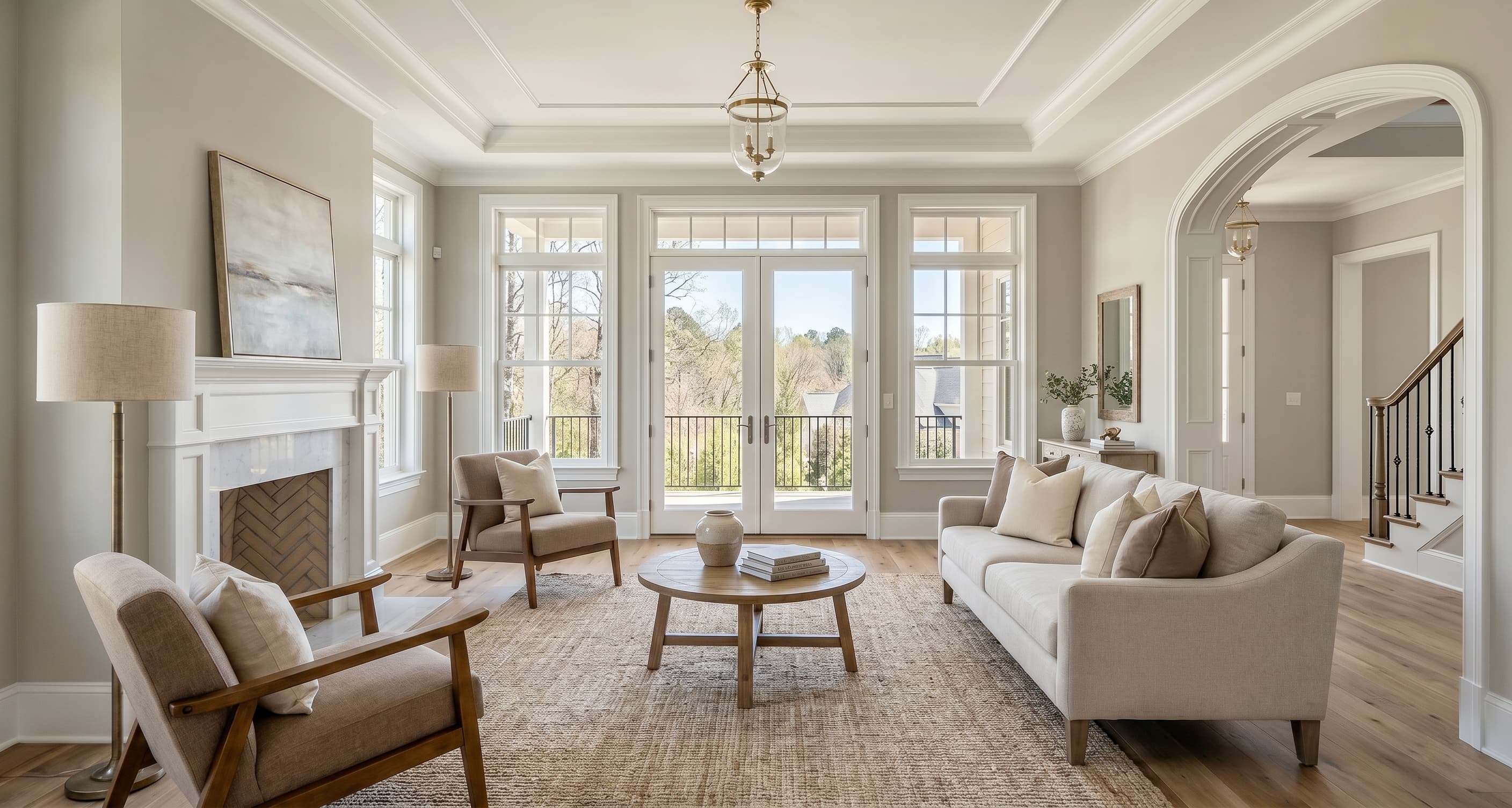
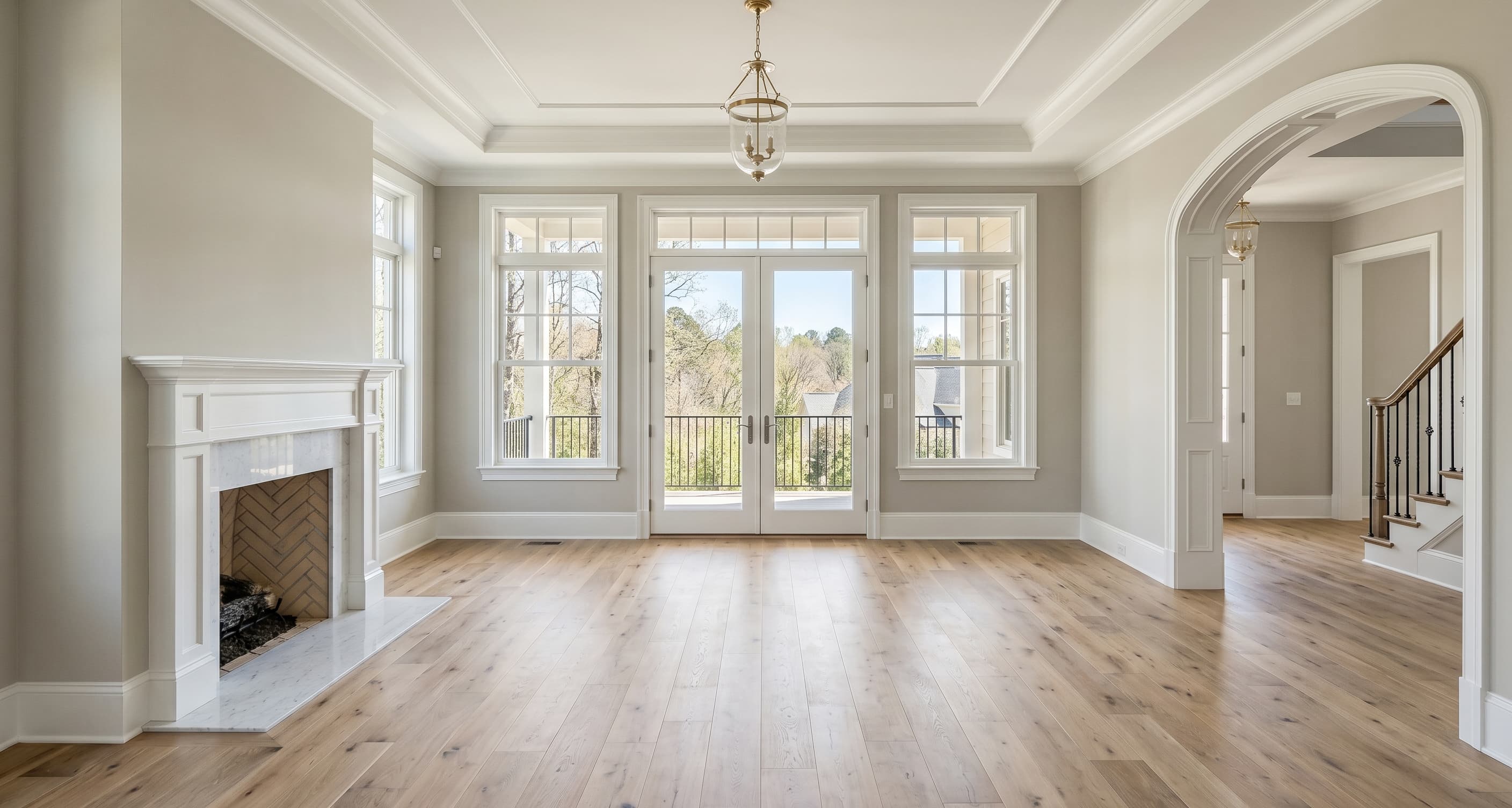
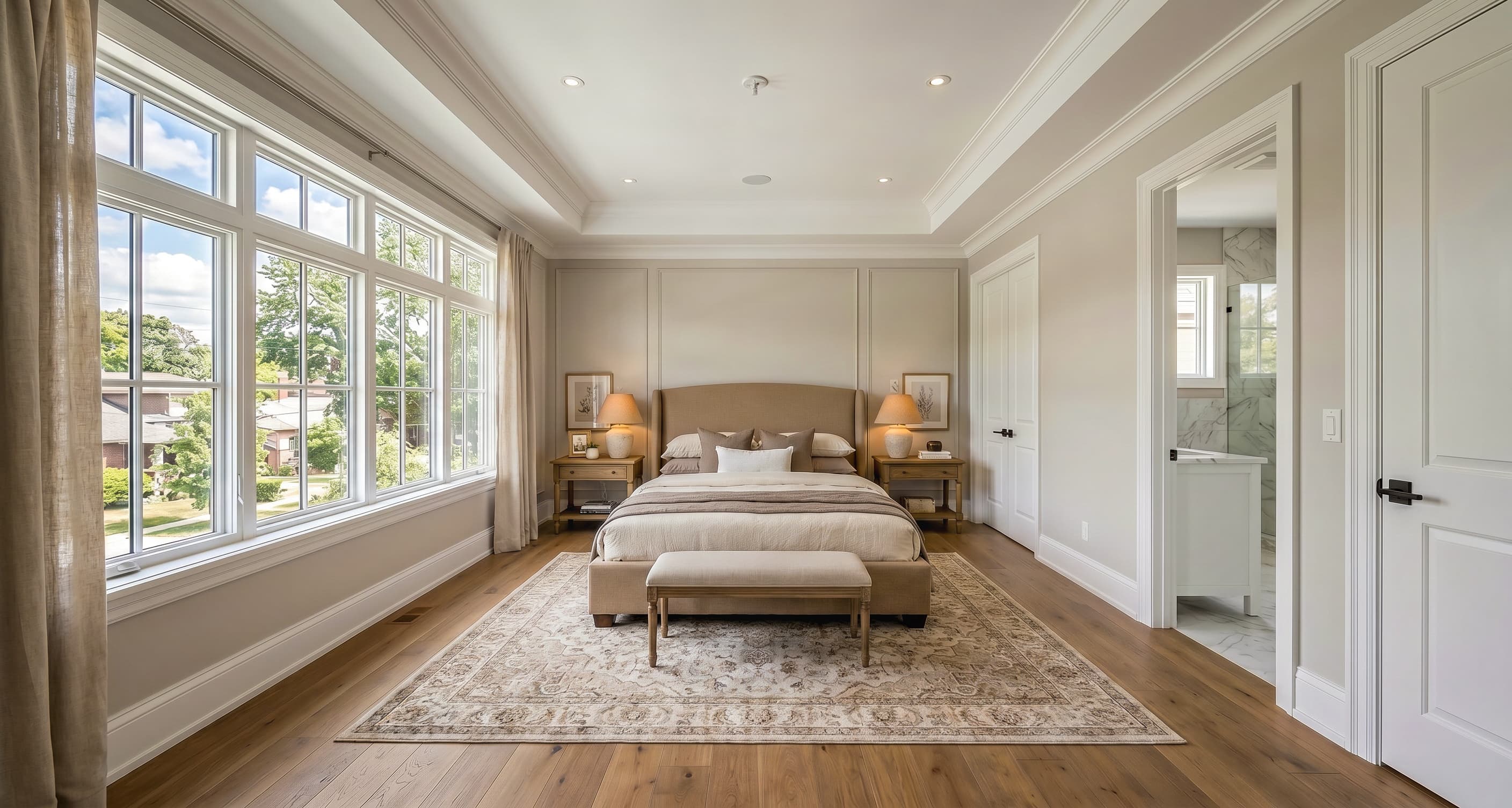
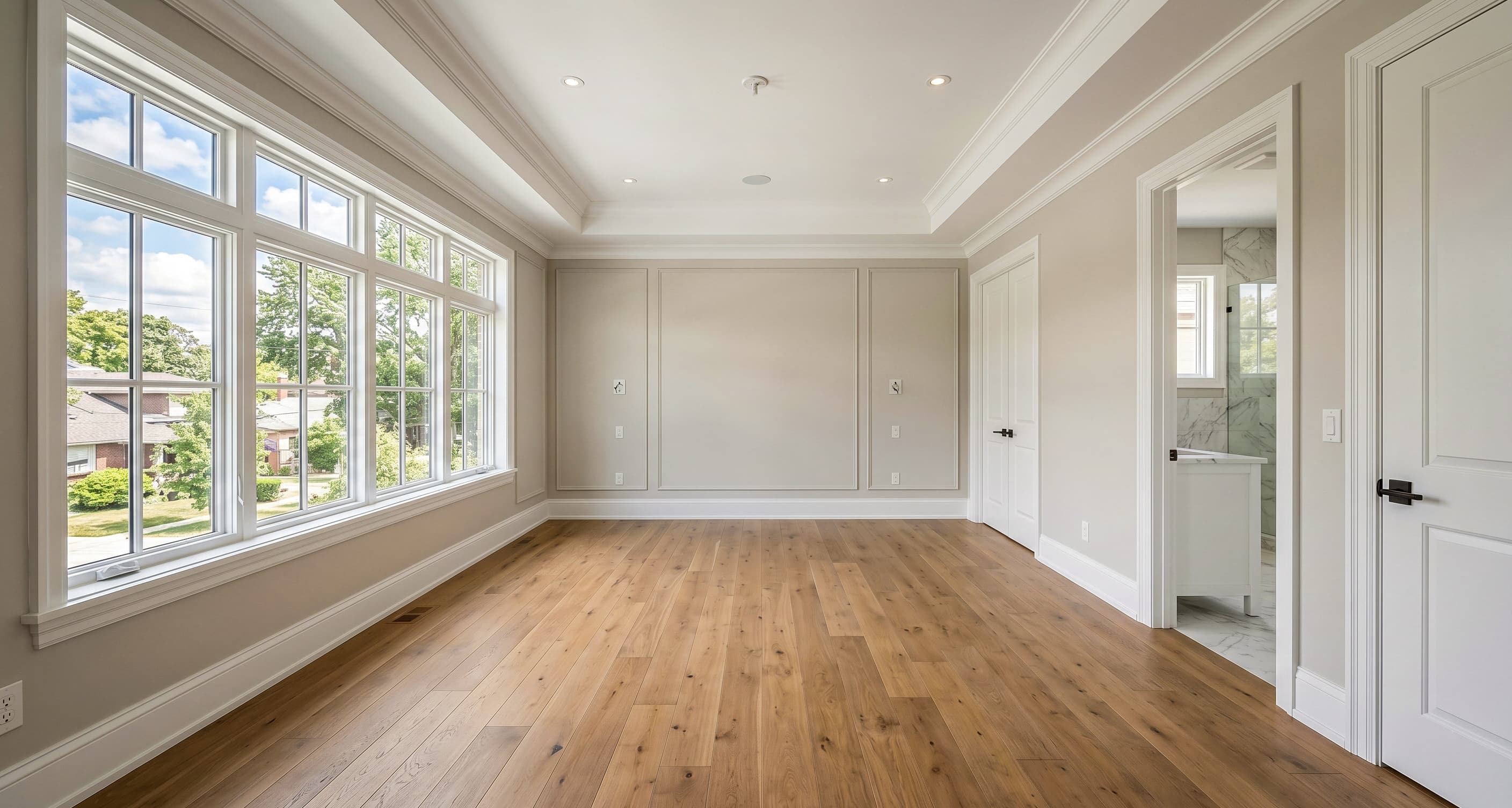
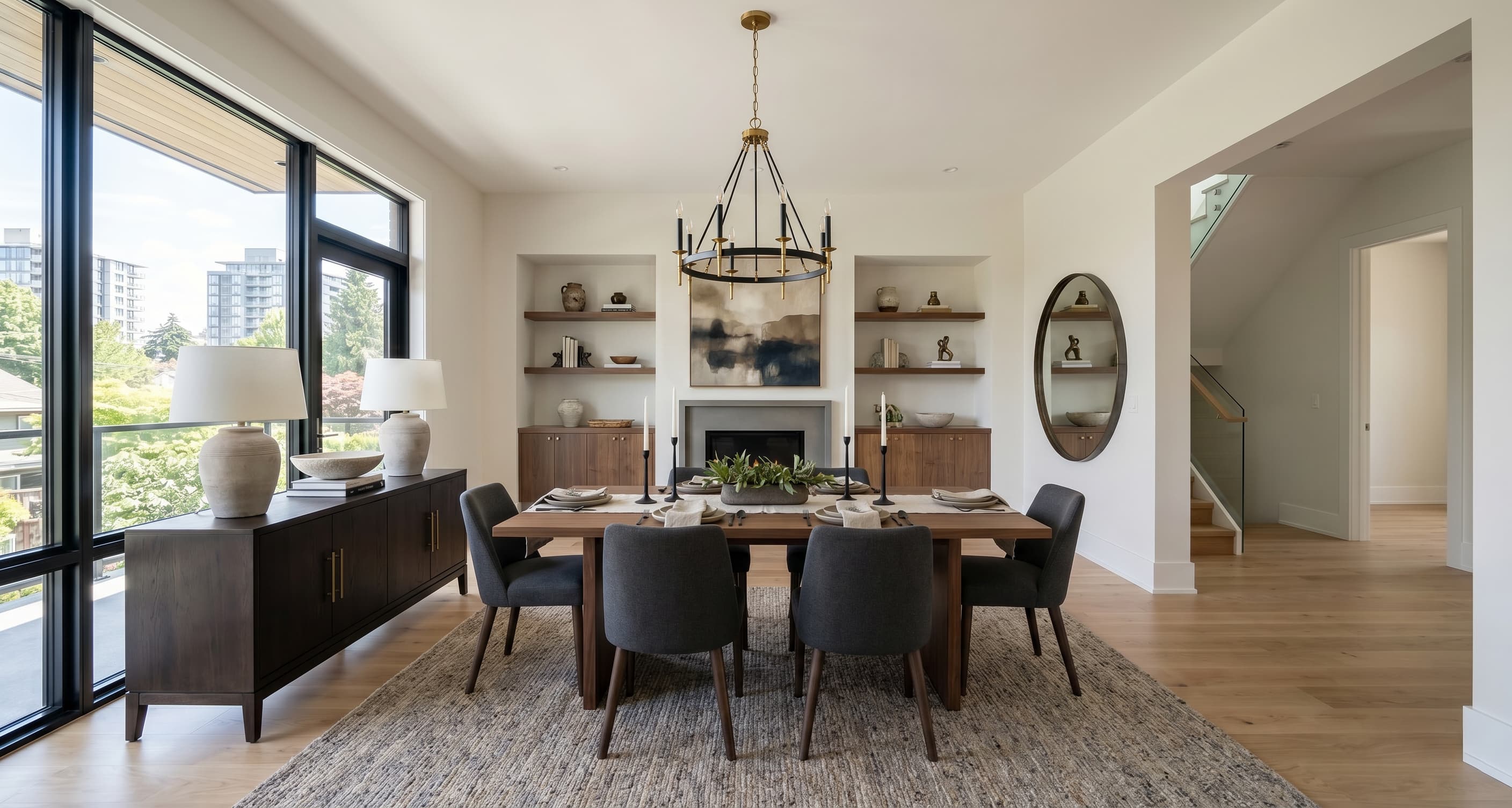
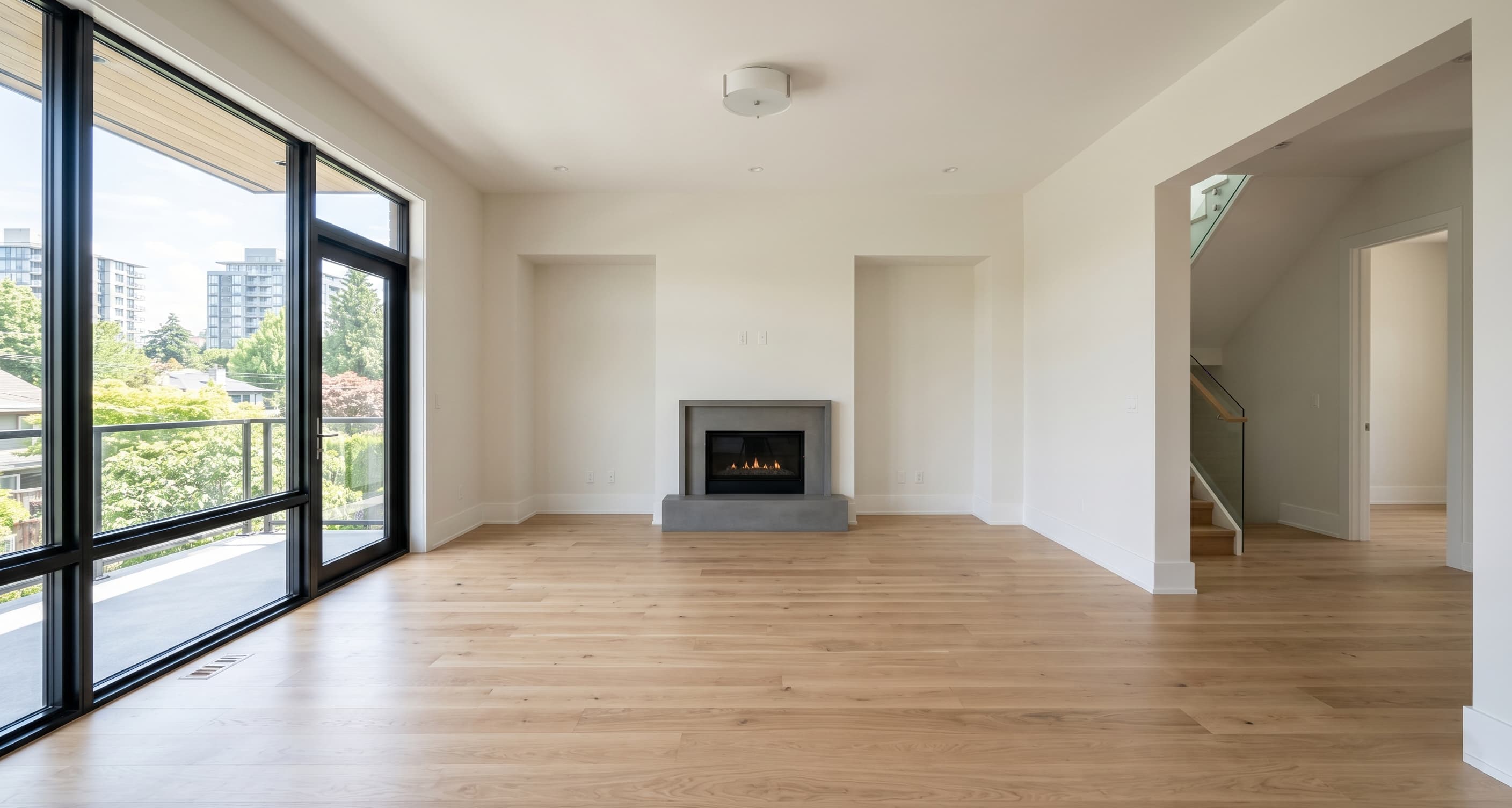
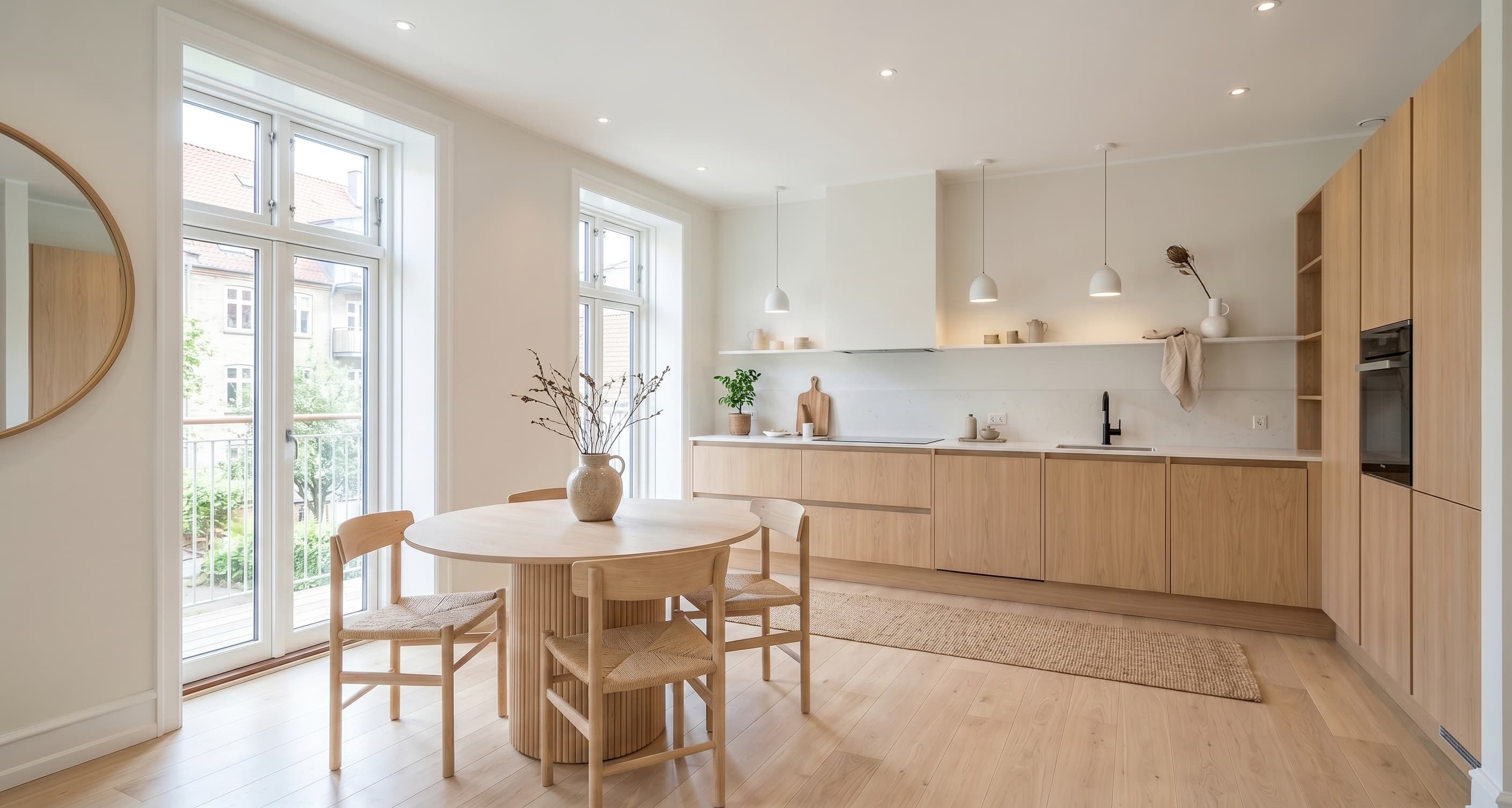
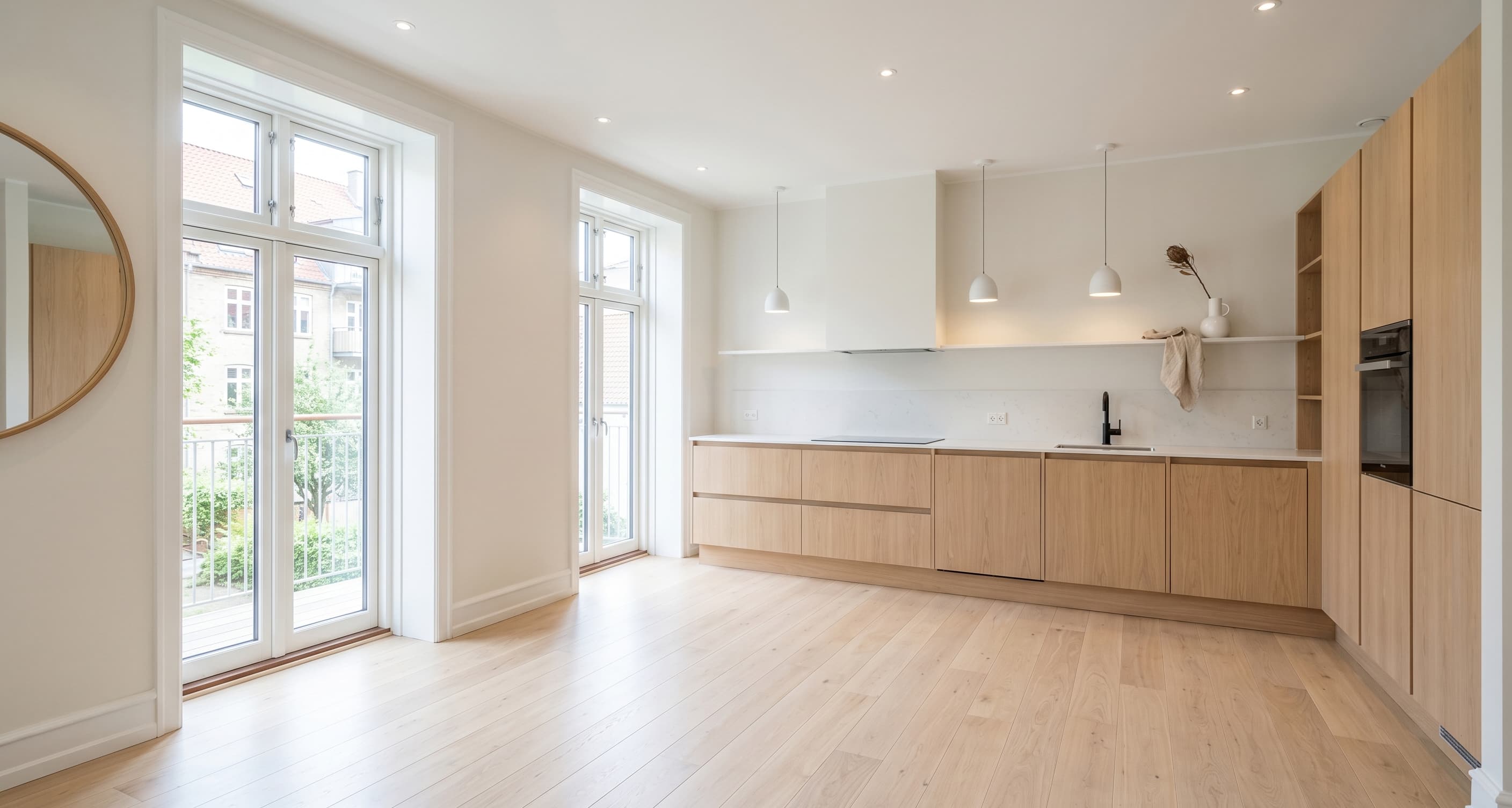
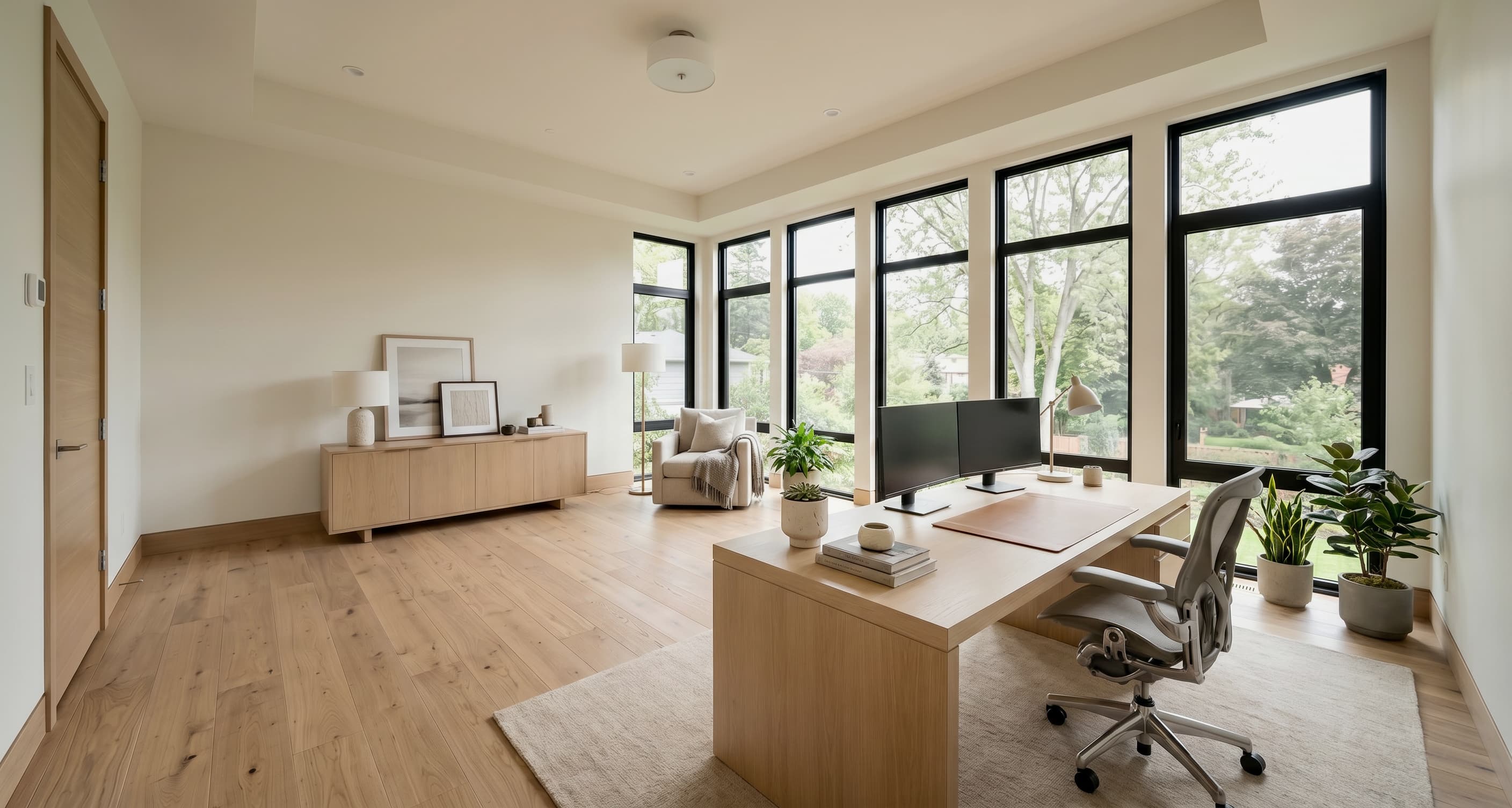
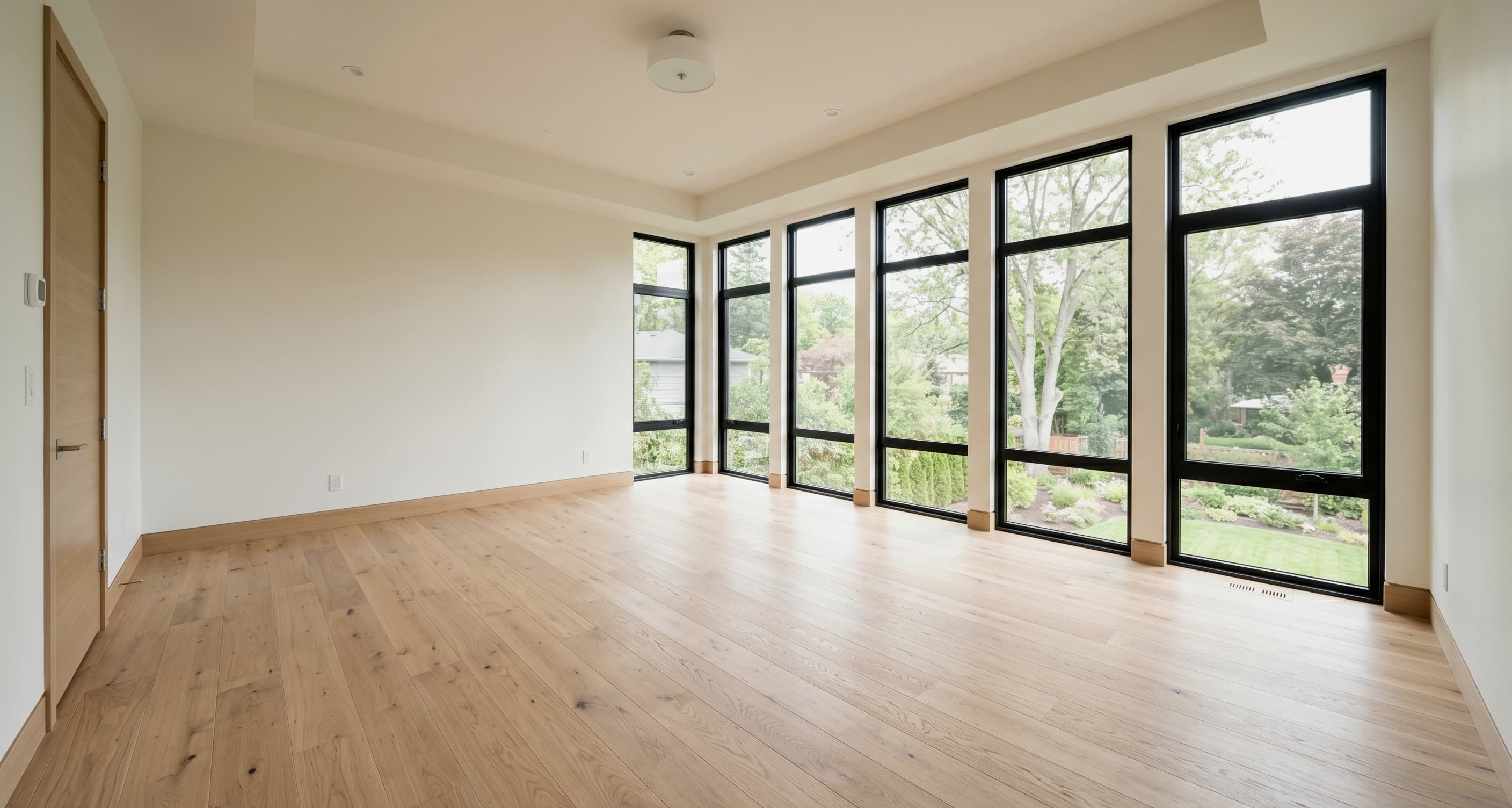
AI virtual staging examples for real estate listings.
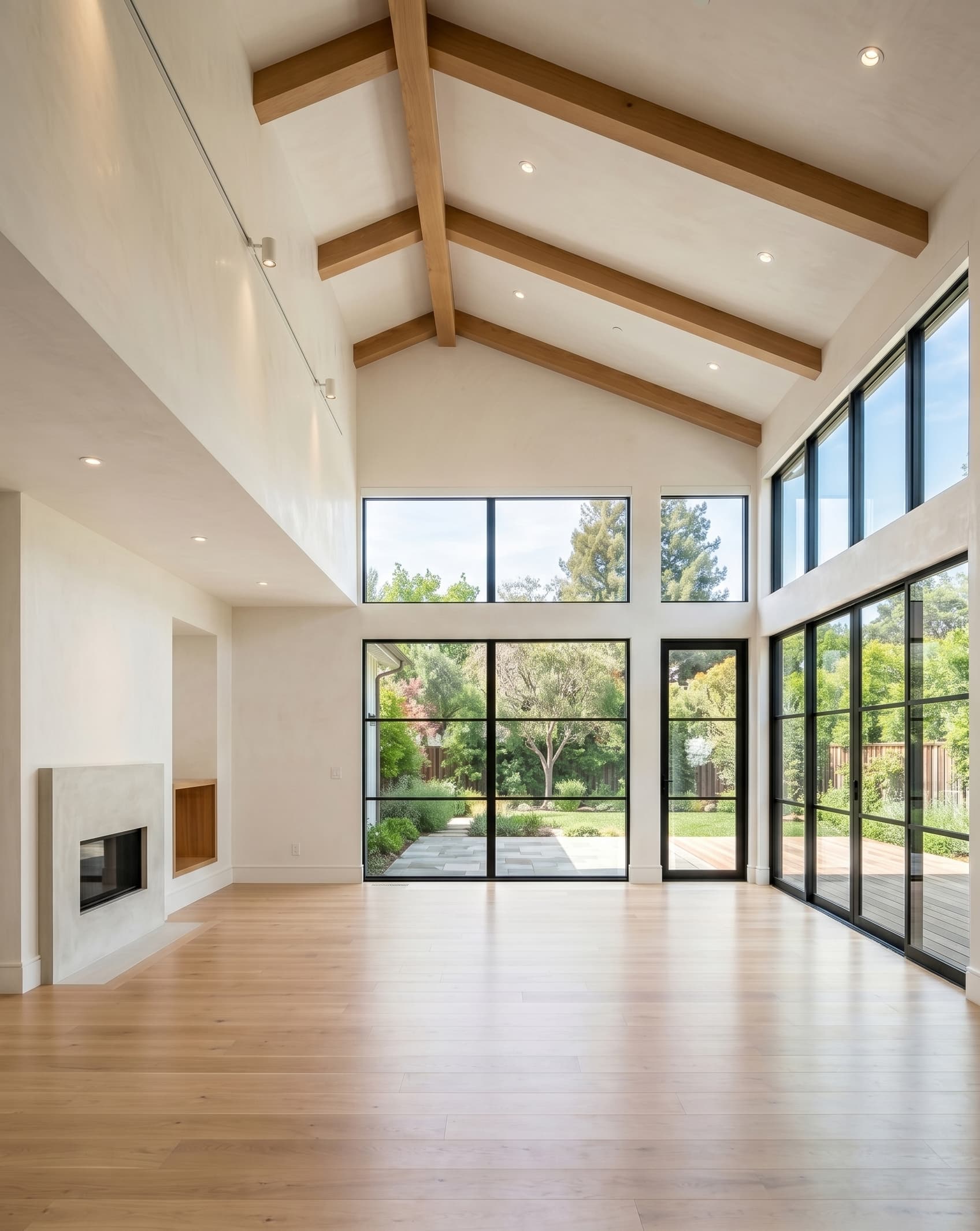
Review staged outputs for common listing spaces: living rooms, bedrooms, dining areas, kitchens, and flexible rooms that need a clearer use case.
Buyer pain
Where generic AI interior tools fall short for listings
They can optimize for a beautiful image instead of a believable listing asset.
They may change fixed architecture, scale, light, or room truth in ways that create buyer distrust.
They often ignore the operational needs of real-estate teams: batches, paired originals, review, disclosure, and export.
Workflow
How the virtual staging workflow works
Upload one room or a full property, generate staged visuals, and review originals and results in one listing workflow.
01
Upload one room or a batch
Start with real property photos and keep the rooms grouped around the listing.
02
Generate staged options
Create listing-ready staging while preserving the structure, light, and layout of the photographed space.
03
Review originals & exports
Compare the original and staged image before approval, disclosure, and export.
AI staging advantages
AI virtual staging with real-estate constraints
PropStage keeps AI framed around listing work: vacant photos, believable presentation, paired originals, and a workflow built for repeat property media.
Advantage
Help buyers picture the space
Give empty rooms a clear purpose so buyers can understand the space before they schedule a showing.
Advantage
Make vacant listings feel warmer online
Turn cold, empty interiors into more inviting listing visuals without changing fixed room features.
Advantage
Reduce physical staging overhead
Avoid furniture rental, movers, scheduling, and repeated setup when physical staging is too much overhead.
Advantage
Add a repeatable photo-team service
Give photographers and media vendors a practical staging add-on for repeat vacant inventory.
Use cases
Best-fit listings for virtual staging
The clearest fit is vacant or nearly vacant property photos that need stronger online presentation.
Vacant sale listings
Show the potential of empty rooms before the listing goes live.
Unfurnished rental marketing
Make empty rental rooms easier to understand before publication.
Newly finished inventory
Add warmth and purpose to newly completed spaces that photograph empty.
Photo-team add-on
Package virtual staging with real-estate photography and listing media delivery.
Who it is for
For real-estate photographers, listing media vendors, agents, and small developers
PropStage fits repeat listing-photo work: empty rooms, active inventory, and teams that need believable staging without physical furniture.
Real-estate photographers & listing media vendors
Add virtual staging to a real-estate photo workflow as a repeatable service, with paired originals for client review.
Agents & small developers
Make vacant rooms easier to understand before a listing goes live, especially when inventory is empty or newly finished.
Compare options
AI virtual staging vs generic AI room design
For listings, the right AI output is not the most dramatic redesign. It is the staged visual that helps buyers read the real property.
Option
Traditional home staging
Best for premium in-person presentation, but furniture rental, movers, scheduling, setup, and property access can be too much overhead for repeat vacant listings.
Option
Generic AI room design
Useful for inspiration, but risky for real estate when it changes architecture, room scale, windows, finishes, or buyer expectations.
Option
PropStage
Built for vacant listing photos: fast AI virtual staging, paired originals, architecture-preserving output, and a workflow made for real-estate marketing.
Listing-ready standards
Architecture-preserving virtual staging for listing-ready marketing
Keep the room recognizable, make the listing easier to understand, and use paired originals to support transparent review.
Listing-ready
Built for photos that need to ship into active listing workflows.
Architecture-preserving
The space should stay recognizable so buyers are not surprised at the showing.
Trust-building
Paired originals, clean review flow, and realistic output support transparent marketing.
FAQ
Virtual staging FAQ for listing teams
Resolve the questions that stop conversion: outcomes, trust, timing, compliance, room fit, and how virtual staging compares with physical staging.
Pricing
Three credit packs for listing-ready virtual staging.
Start with a credit pack sized to your listing volume. Virtual staging can reduce physical staging overhead, while the checkout path stays simple and tied to the active pack configuration.
Credit pack
Starter
$15
30 credits
First listings and pipeline testing
Quick pack for first listings and pipeline testing.
Recommended pack
Growth
$39
120 credits
Active weekly listing work
Balanced pack for active photographer or small listing team.
Credit pack
Studio
$99
400 credits
Agency-scale batches and team throughput
Higher-volume pack for agencies, brokers, and developer marketing teams.
Next step
Use AI staging where the room still needs to stay real.
Start with a vacant listing photo and generate a staged version your team can review next to the original.